Guia de compra
How to choose your first dive computer
A dive computer tracks depth and time to calculate essential information during a dive. For your first piece of equipment, the goal isn't to buy the model with the most features: it's to choose a device that is legible, predictable, and easy to operate before, during, and after the dive.
The computer supports planning and monitoring, but it does not replace training, buddy procedures, or the tables and limits taught by your certification organization. Read the full manual and practice in simple conditions before relying on a new function.
1. Prioritize legibility
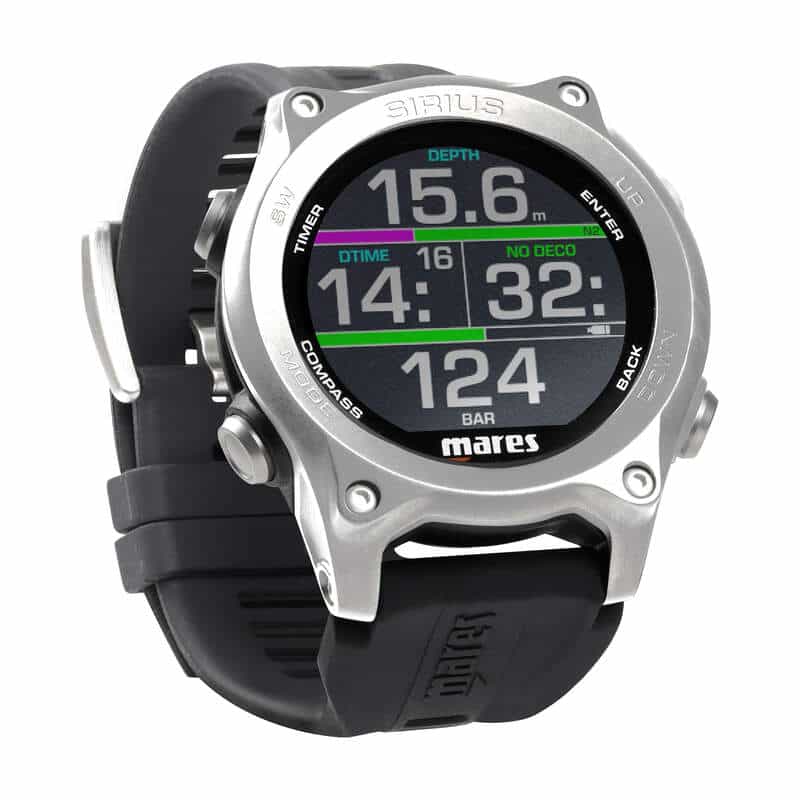
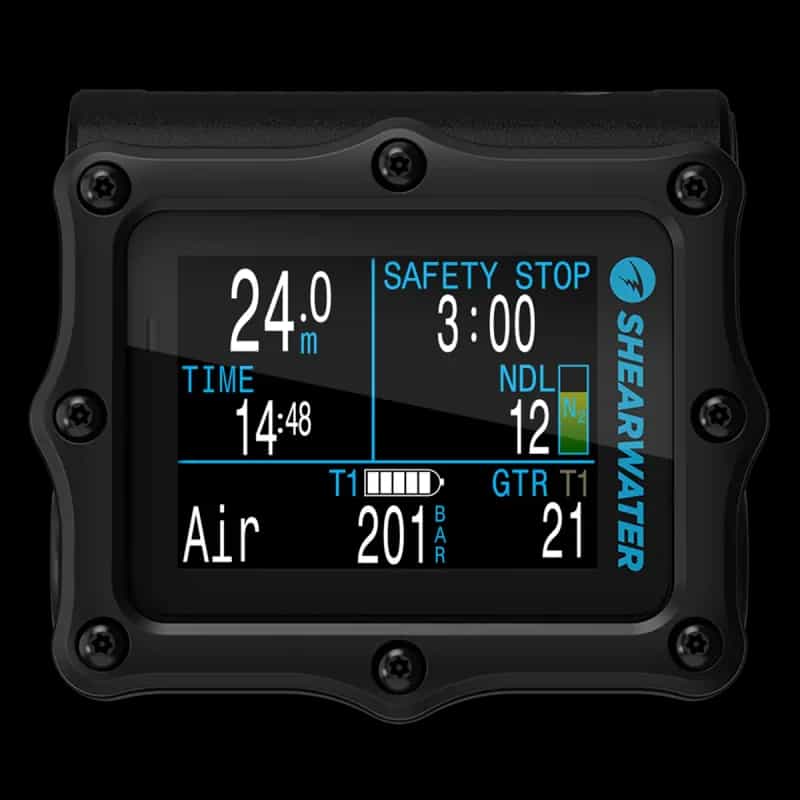
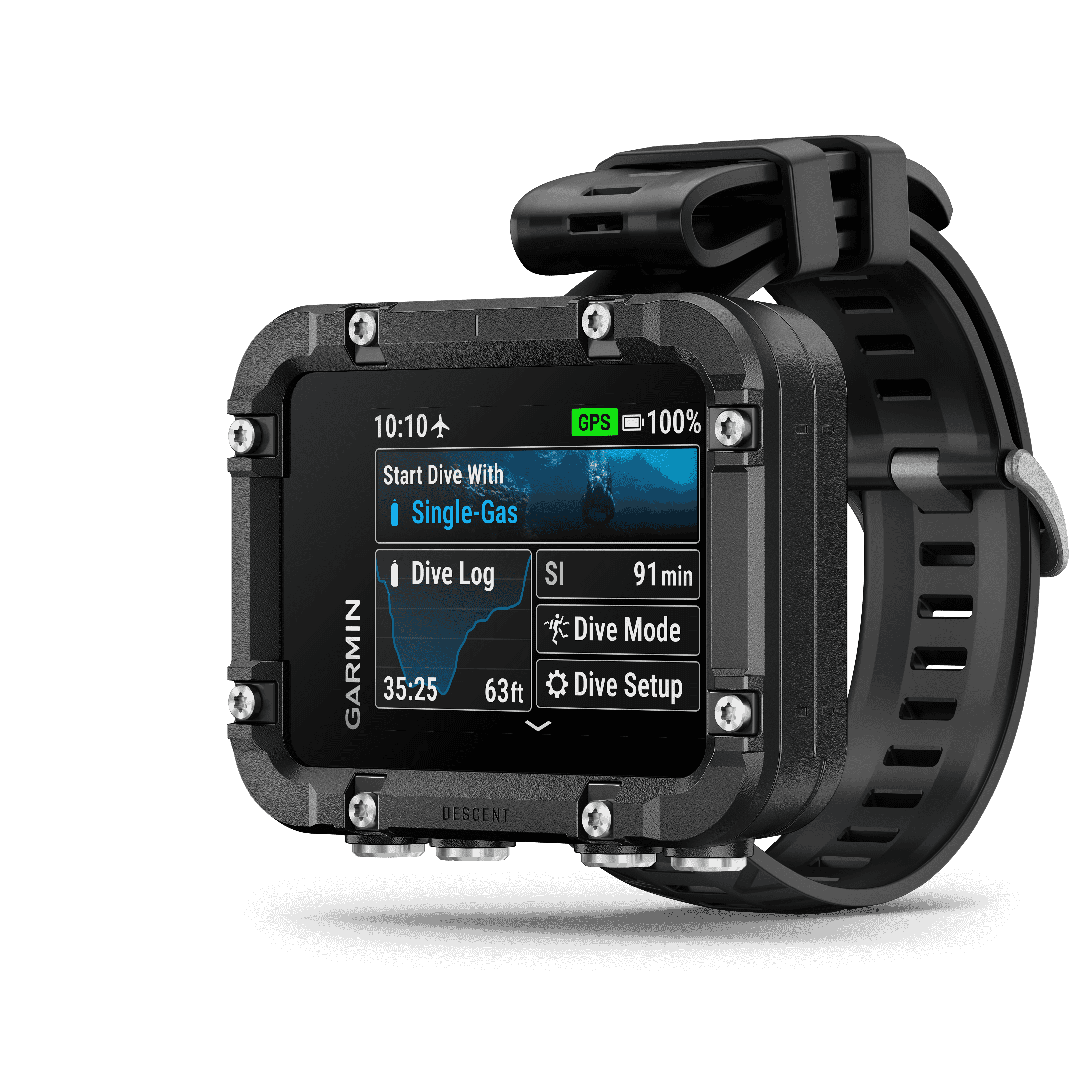
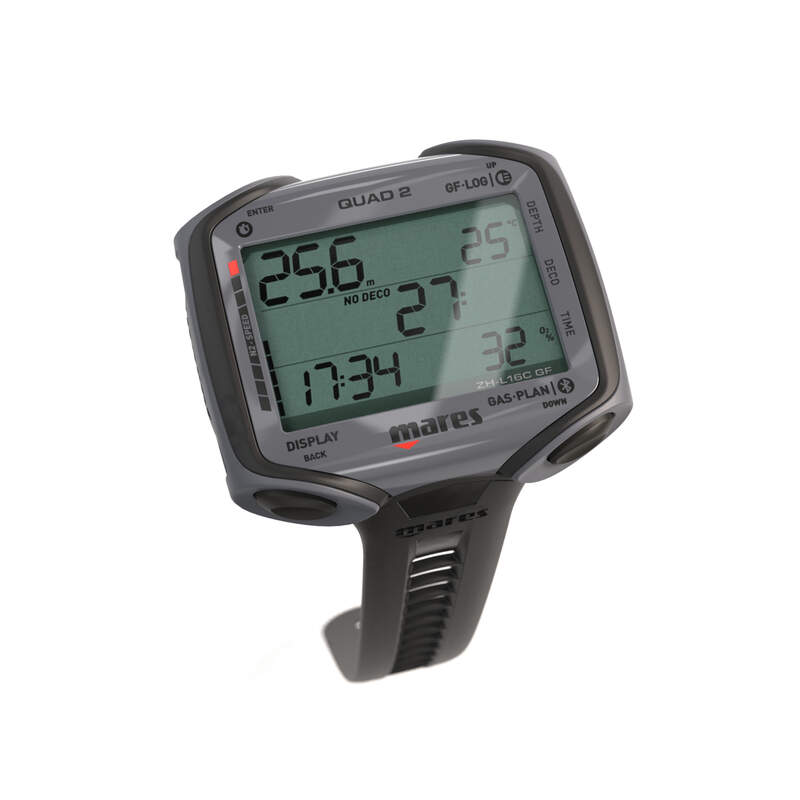
Underwater, information must be recognized quickly. Compare digit size, contrast, backlighting, and screen organization. If you wear corrective lenses or dive in low visibility waters, a larger display may be more useful than a compact watch.
Check if you can distinguish without hesitation:
- current depth;
- dive time;
- no-decompression limit;
- ascent rate;
- stops and warnings.
A screen full of data is not necessarily better. Information hierarchy and glance-reading are more important.
2. Buttons and menus
Some computers have one button; others use two, three, or four. Try navigating through the menus and changing basic settings. The controls should work with the gloves you usually wear, without requiring difficult-to-remember sequences.
Before the dive, you should be able to easily confirm the gas mix, active mode, battery level, and altitude or water settings, when applicable. An intuitive interface reduces configuration errors.
3. Dive modes
For recreational diving, look for at least an air mode and nitrox support compatible with the training you plan to do. Many models also include a depth gauge, freediving, or multiple gases. Advanced features only bring value if they are understood and necessary.
Never use the wrong mode for the activity. After using certain modes, the computer may apply specific locks or rules for a period; confirm this behavior in the manual.
4. Algorithm and conservatism
Computers use mathematical models to estimate inert gas exposure. Different models may indicate different limits for the same profile. More important than looking for a "perfect algorithm" is understanding your device's conservatism options and maintaining procedures consistent with your training level.
Buddies with different computers should plan according to the most conservative limit that applies and never separate to take advantage of different times.
5. Battery: replaceable or rechargeable?
A user-replaceable battery is practical for long trips, provided the replacement strictly follows instructions, uses the correct O-ring, and involves careful checking. A rechargeable battery avoids buying cells and can power brighter screens, but requires planning and access to charging.
In both cases, confirm the autonomy before leaving and avoid starting a dive with a low battery warning. If replacement requires opening the case, respect the manufacturer's recommended testing intervals.
6. Bluetooth and dive logging
Connectivity allows you to transfer profiles to your phone or computer, track temperatures, and review ascent rates. It's useful for learning from dives and keeping a log, but it shouldn't be the main criterion if the device is difficult to read underwater.
Confirm app compatibility with your system and whether synchronization requires separate accessories.
7. Wrist or console format
The wrist format keeps data always in view and can be used on trips with rented equipment. The console integrates with the regulator and is hard to forget, but it is connected to the hose configuration. Some models accept wireless tank pressure integration via a transmitter; treat it as an additional feature and maintain the procedures taught in training.
Checklist before buying
1. Can I read the main data effortlessly?
2. Can I operate the buttons with my gloves?
3. Does it support the modes I actually need?
4. Do I understand how to adjust conservatism?
5. Do the battery and charging work for my trips?
6. Is assistance and an accessible manual available?
Quick summary
For your first computer, choose clarity and simplicity. A legible display, understandable alerts, menus you master, and a battery suitable for your use are worth more than a long list of features. Compare the related models below and consult the manual before deciding: the best choice is the one you can configure and interpret correctly.